
How to Reset Your Verifiable Password
Edited
To reset your Verifiable password, go to the Verifiable login page and click Reset Password.
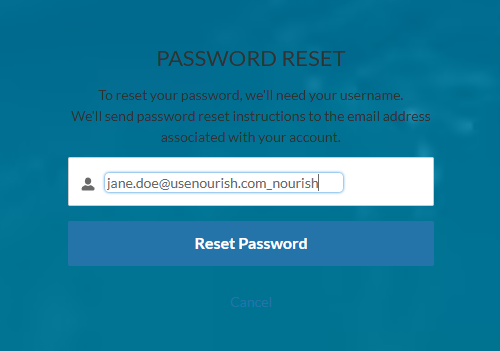
Enter your username (not your email).
Example:
Email: jane.doe@usenourish.com
Username: jane.doe@usenourish.com_nourish
Click Submit, and the password reset email should arrive within a few minutes.
Steps:
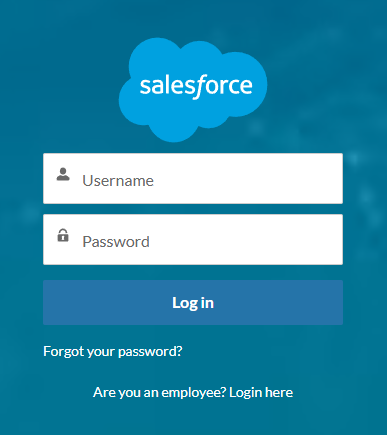
On the Salesforce login screen, click Forgot your password?
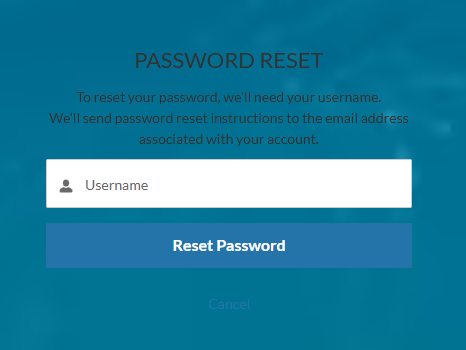
On the next screen, enter your Username, not your email address. Click Reset Password.
Was this article helpful?
Sorry about that! Care to tell us more?