
I Reset My Password But Never Received the Email
Edited
If you requested a password reset but never got the email, please check to confirm you entered your username, not your email address, on the password reset screen.
Your username looks almost identical to your email — but it includes _nourish at the end.
Example:
Email: jane.doe@usenourish.com
Username: jane.doe@usenourish.com_nourish
Steps:
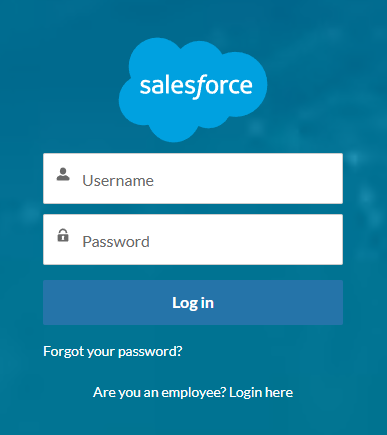
On the Salesforce login screen, click Forgot your password?
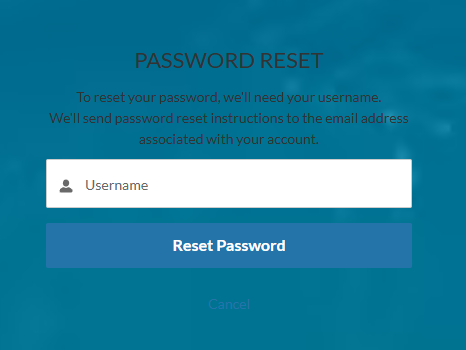
On the next screen, enter your Username, not your email address.
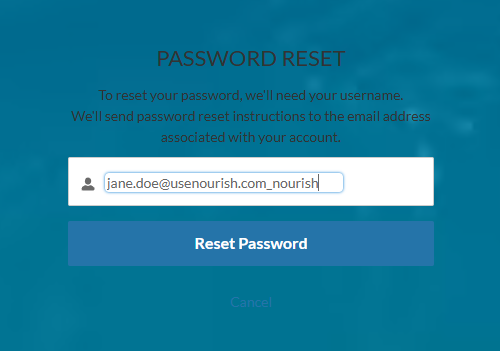
Once you enter your correct username, the reset email will be sent to the email address on file within a few minutes.
Was this article helpful?
Sorry about that! Care to tell us more?