
Filling Out Your W-4 in ADP
Edited
The W-4 form (Employee’s Withholding Certificate) is used to let your employer know how much federal income tax to withhold from your paycheck. Your selections - such as filing status and number of dependents - ensure that the correct amount of tax is withheld throughout the year.
Completing your W-4 accurately helps you avoid surprises at tax time. Withholding too little may result in owing taxes, while withholding too much means less take-home pay during the year and a larger refund later.
To fill out your W-4 in ADP:
Log into ADP (An invitation will be sent to your Nourish Gmail once your I-9 verification is complete.)
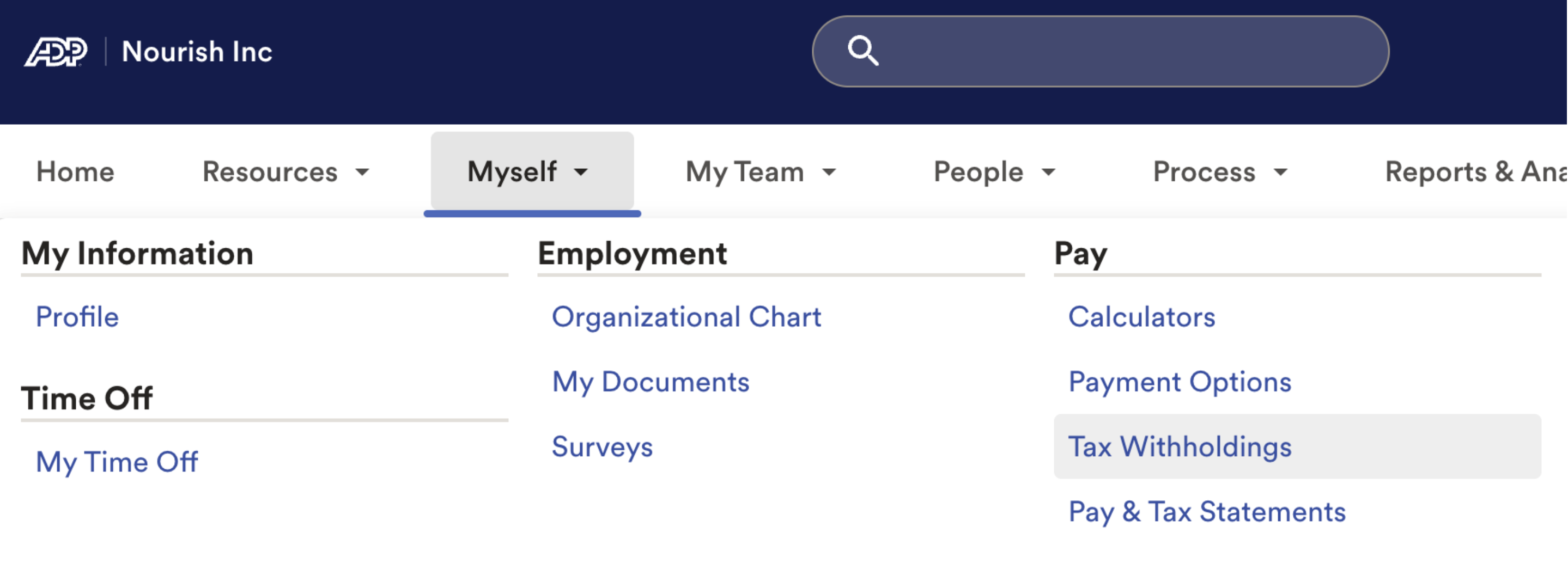
Click Myself > Pay > Tax Withholdings
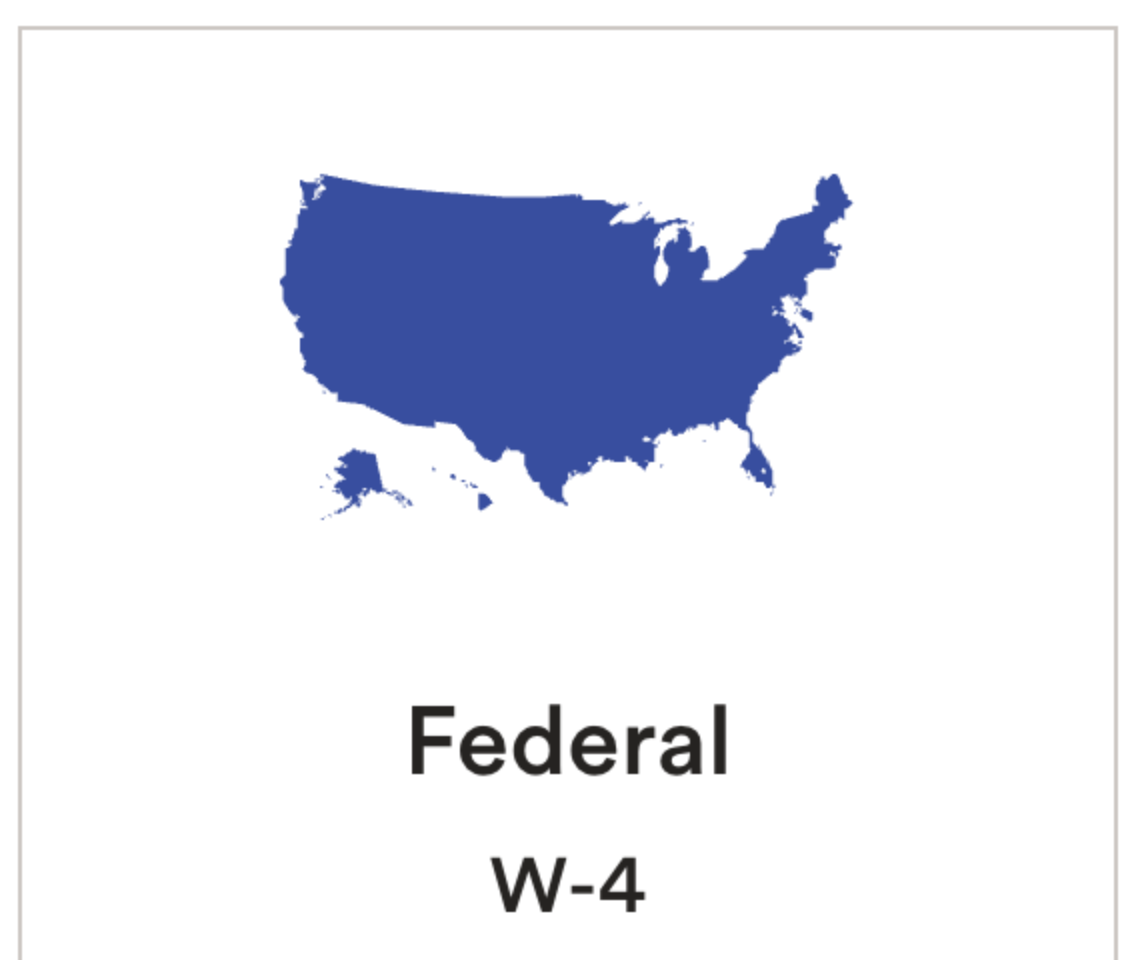
Click Start to submit your Federal W-4.
w4
w-4
adp
tax
taxes
Was this article helpful?
Sorry about that! Care to tell us more?